OriginRouter AppChat
Chat
Chat works independently of the CLI and is separate from an Agent Workspace running on a CLI device. Available models, attachments, and task modes depend on account, plan, region, and current service availability.
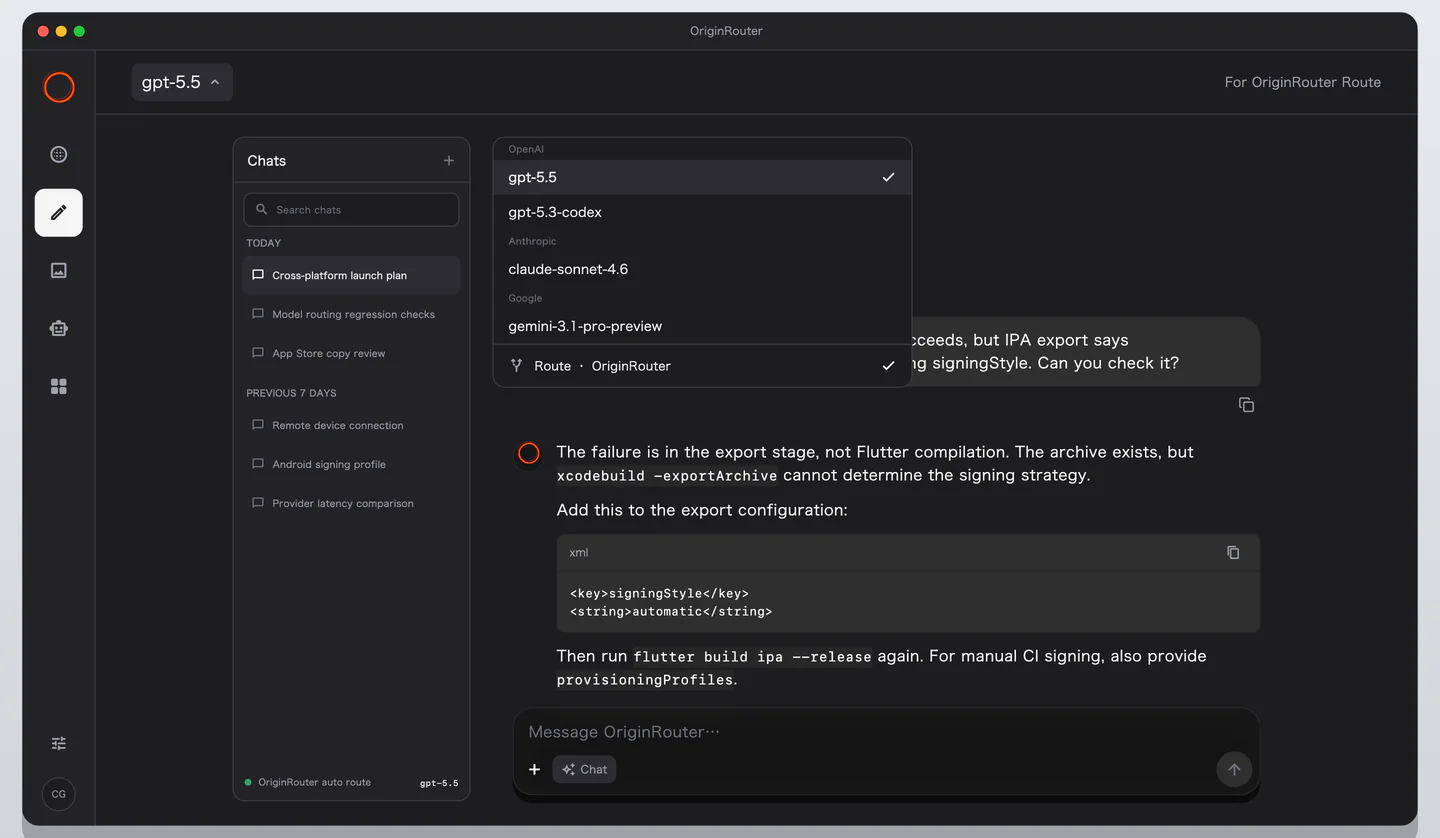
Start a conversation
- Open Chat.
- Select an available model from the top model picker.
- Enter a prompt and attach images or files when needed.
- Send it and follow the streamed answer and task state.
Before switching models, check whether the current task is still running. Conversation history remains available, but tool, image, and context support may differ by model.
History and recovery
- Start a new conversation for a separate topic.
- Reopen history to continue earlier context.
- Before deleting a conversation, confirm that no result or attachment still needs to be retained.
- Loading, empty, error, and confirmed signed-out states are distinct and must not be treated as the same state.
Chat versus Agent Control
Chat uses the App's model service. Agent Control presents and controls Claude Code or Codex sessions running on a CLI device. For code-workspace operations, use Agent Control.